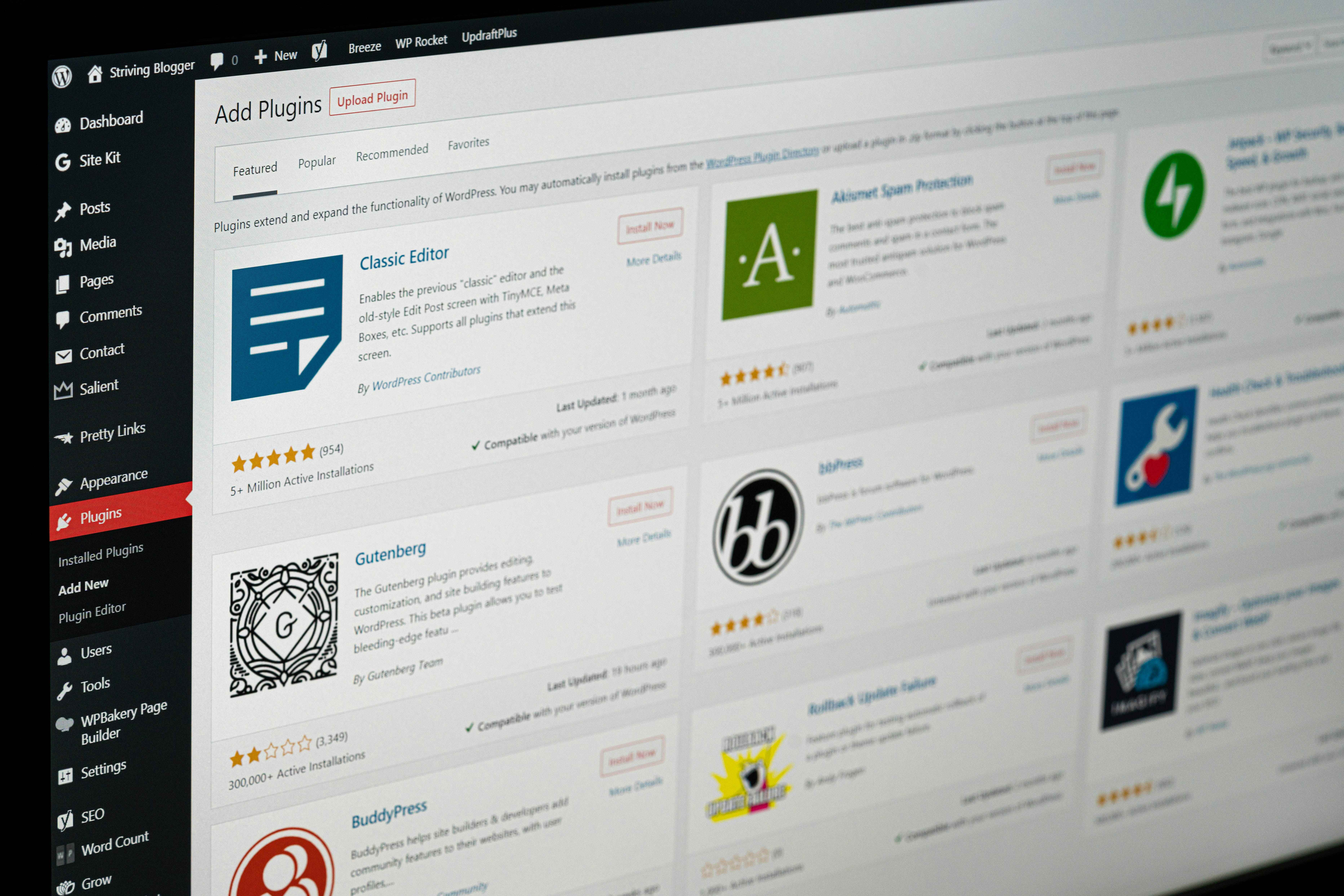
Let Clients Book Appointments Anytime with Seamless Booking Tools Built Into WordPress
Gone are the days of back-and-forth emails or missed phone calls. Adding an online booking system to your WordPress website streamlines the appointment process, improves user experience, and increases conversion rates. Whether you're running a salon, coaching service, or consultation business, WordPress Website Development makes integrating booking tools simple and scalable.
Don’t settle for basic. Customize booking forms with fields like preferred staff, notes, or location. You can also add real-time availability, multilingual support, or sync your schedule with Google Calendar. With the right WordPress Website Development expertise, your booking tool can perfectly match your brand and business logic.
An online booking system transforms your website into a business hub. It saves time, reduces errors, and creates a smoother experience for your clients. Whether you go with a free plugin or invest in a premium one, adding this functionality is one of the smartest upgrades you can make with WordPress Website Development.
Yes. Most advanced booking plugins support PayPal, Stripe, and WooCommerce for secure online payments.
No. WordPress booking plugins are designed for easy setup with drag-and-drop builders and settings panels.
Salons, doctors, consultants, personal trainers, event organizers, and tutors—all benefit from online bookings.
Yes. Most booking plugins include email notifications, reminders, and even SMS support in premium versions.
Whether you need video editing, web development, or more, we're here to help you achieve your goals. Reach out to us today!
Discover Custom Solutions
At OrganicOpz, We Specialize In Crafting Tailored Strategies To Elevate Your Online Presence. Let's Collaborate To Achieve Your Digital Goals!
Share Your Idea Or Requirement — We’ll Respond With A Custom Plan.
Give Us A Call On Our Phone Number For Immediate Assistance Or To Discuss Your Requirements.
Feel Free To Reach Out To Us Via Email For Any Inquiries Or Assistance You May Need.
Our Standard Operating Hours Are From 4:00 To 16:00 Coordinated Universal Time (UTC).